

Remove background
The demo keeps the mug and lifts it off the desk, cables, and window onto a plain field. Ask for the subject to stay and the background to leave. Nothing here adds a caption or a watermark.
Free to try
2 successful guest edits, no watermark. Upload, edit, and download on this page. Sign in only if you want 5 a day.
Output size
Try these examples
2 free edits on this device. No watermark.
Human verification
Loading recent edits…
Why this page
A single frame, a short prompt, and a file you can download. The limits below are the ones the editor actually enforces.
A guest gets 2 successful images on this device, with no watermark. Sign in with email and the day allows 5. That is the whole allowance.
An upload is stored so you can download the edit. We do not sell those files, and we do not use them to train a model. There is no promise that they disappear after a set number of hours.
Remove background, clear clutter, replace background, make clearer, and a fresh prompt all go through the same Generate action. You stay on this page from the upload to the download.
Three steps
Nothing else to open. The tool at the top of this page is the whole workflow.
Choose a JPEG, PNG, or WEBP up to 20 MB. The preview sits in the editor above, on this same page.
Write what should change, or start from Remove background, Clear clutter, Replace background, or Make clearer. One prompt runs one edit.
Recent Tasks shows progress, then a Download button. The file is the edit that came back. This app does not stamp a watermark on it.


Single-frame edits
Four starting points already sit in the editor. Each one is a prompt, not a different product.
The demo keeps the mug and lifts it off the desk, cables, and window onto a plain field. Ask for the subject to stay and the background to leave. Nothing here adds a caption or a watermark.
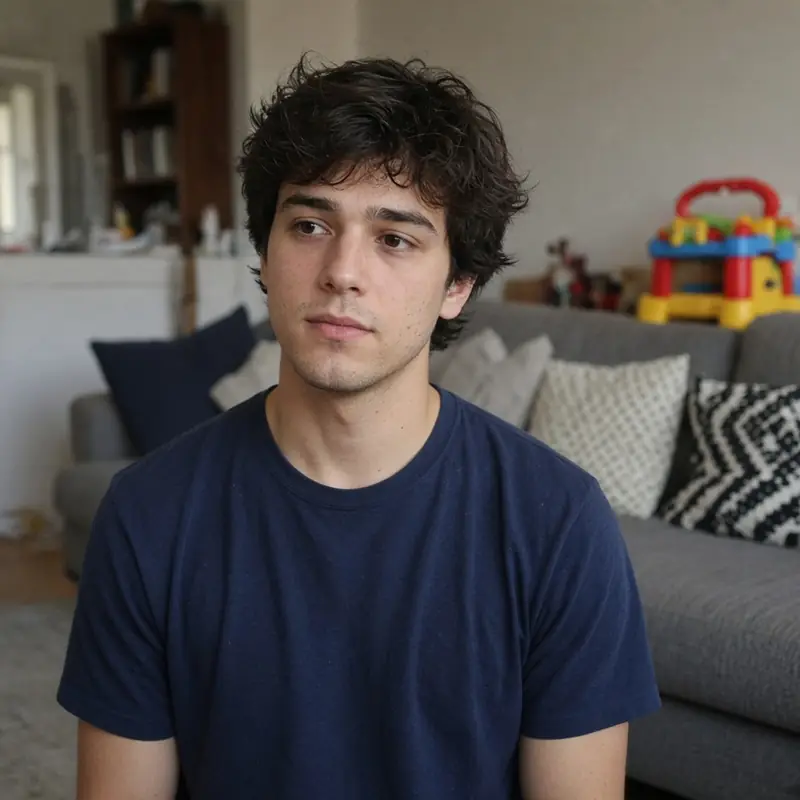
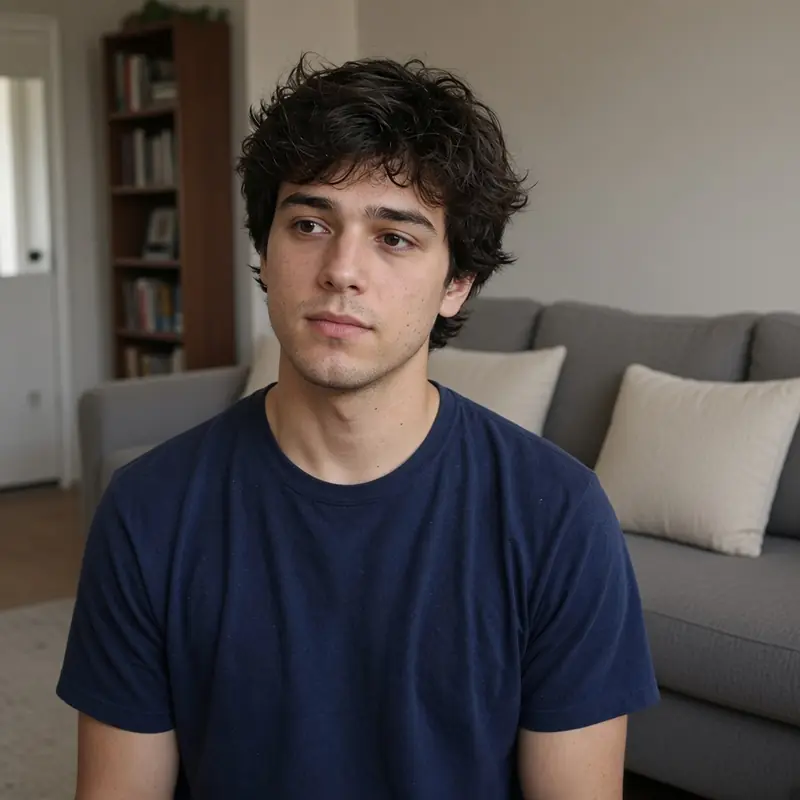
The demo keeps the person and clears the toys and extra pillows behind them. Name the clutter you want gone, and say that the main subject stays. One prompt, one result, same as every other edit on this page.


The demo keeps the person and replaces the street with a plain wall and soft daylight. The prompt in the editor is the instruction. The download is the file that came back, with no watermark added here.
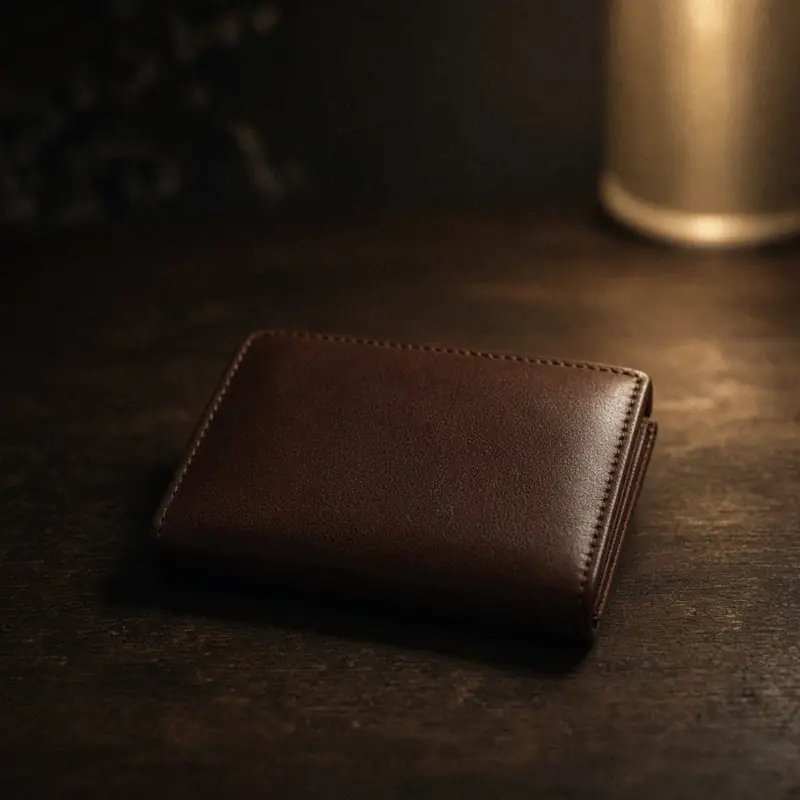
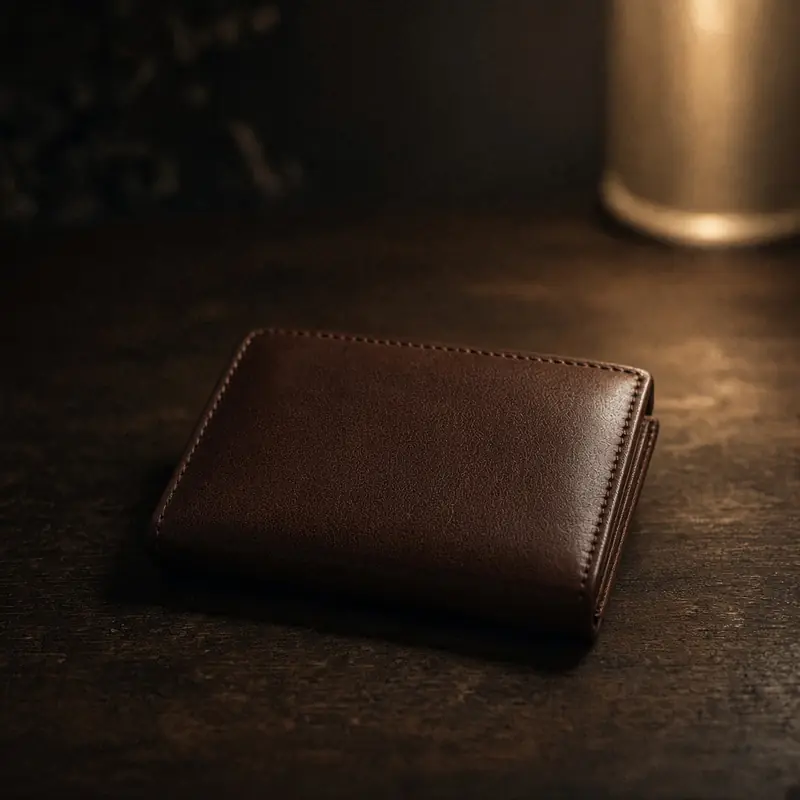
The demo keeps the same wallet and crop, with a slightly clearer surface. Make clearer uses the same Generate path as a background change. It does not raise the daily allowance.
Example uses
These cards are situations, not reviews. No customer names, and nothing here is a verified quote.
Example
Swap a wrinkled cloth for a plain sweep before a listing photo goes up. Two guest edits are enough to see if the edge holds.
Example
Ask the haze to lift on a portrait without changing the crop or the person. Download the file and judge it yourself.
Example
Name the mug and the cable in the corner. The prompt should say the product stays where it is.
Example
Enhance is for a scan or a frame that will be seen larger. It uses the same daily allowance as any other edit.
Example
Quiet a sign or a logo behind a speaker when the face is already the point of the picture.
Example
Try the look on the two free edits. The third success asks for an email, then the day allows five.
Two successful guest edits, no watermark. Upload when you are ready. Sign in only after those two, for five a day.
A small product
The page under the tool is here to explain the editor, not to invent a larger suite.
Guests get 2 successful edits on a device. Signed-in editors get 5 a day. Those two numbers are the cap.
One photo, one prompt, one download. There is no layer stack, no batch, and no second tool to learn on this page.
The third guest success opens a sign-in prompt. Email is a magic link. Google is on the same sign-in page when it is configured. There is no payment step.
Answers
The short version of the rules already enforced above.
Two successful tries on this device, with no watermark. Sign in when you want five a day. The upload is at the top of this page.